
Create the code in Player Mode
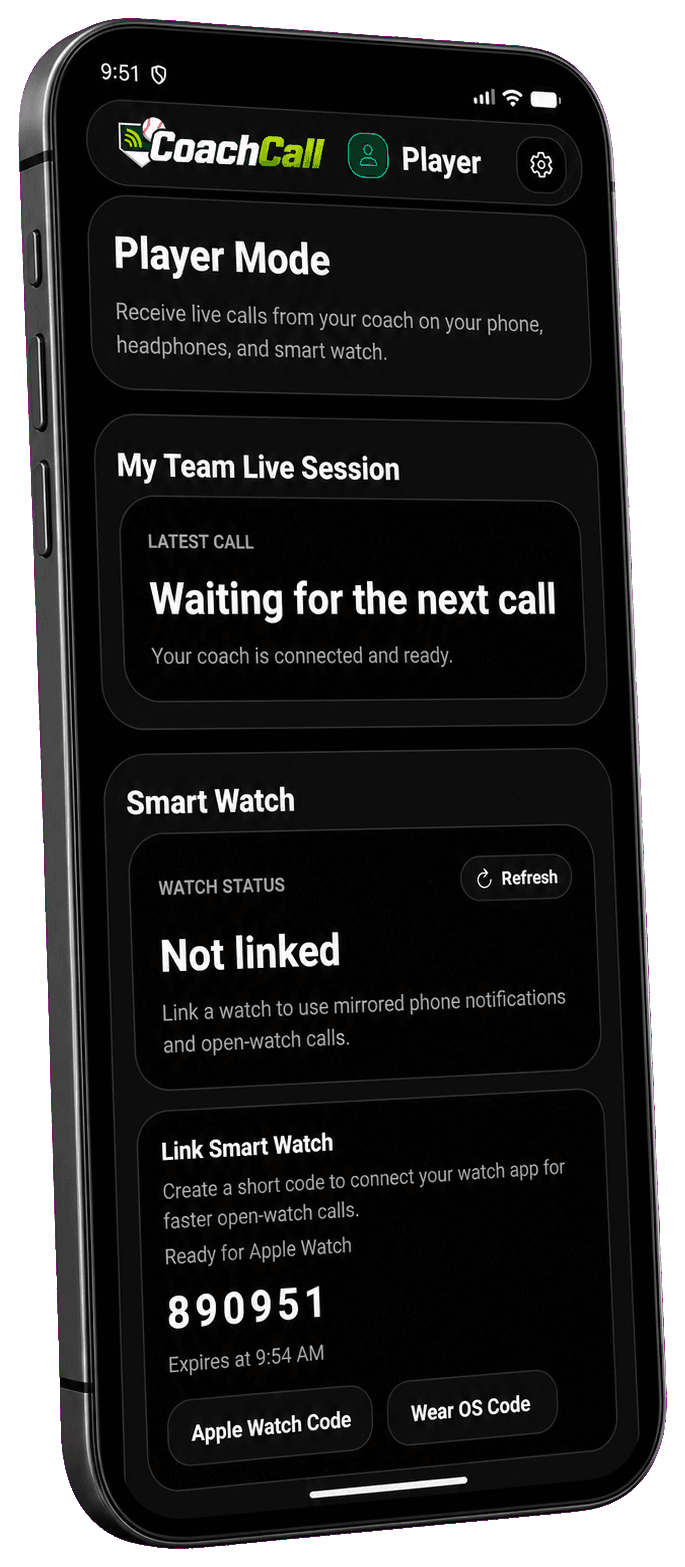
Choose Apple Watch or Wear OS. CoachCall creates a six-digit code that stays active long enough to finish linking.
CoachCall Resource
CoachCall Pro delivers pitch calls to Apple Watch and Wear OS without giving the player another phone screen to study.
Three quick steps
Generate one short code, enter it on the watch, and send a test call before game time.
Choose Apple Watch or Wear OS. CoachCall creates a six-digit code that stays active long enough to finish linking.
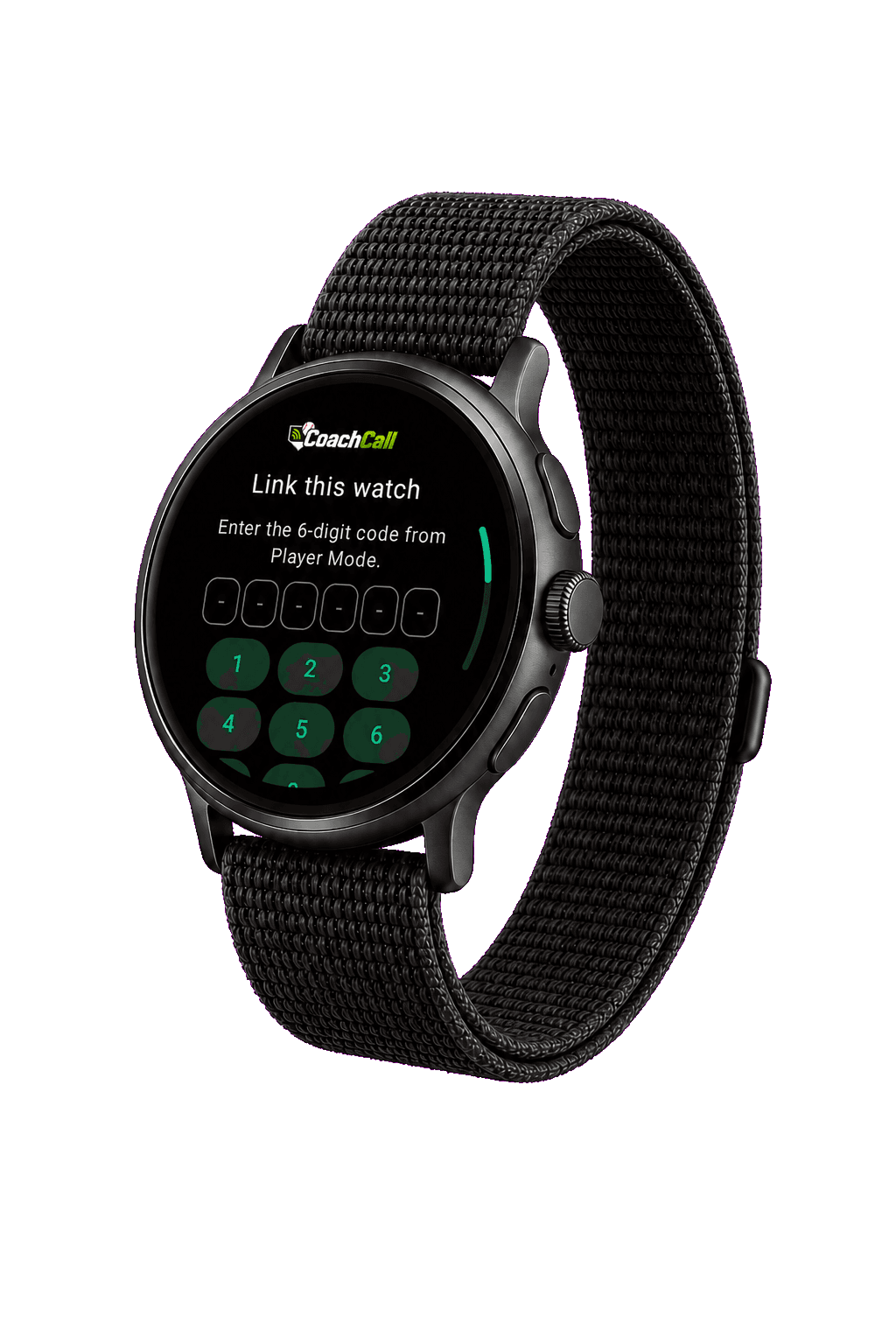
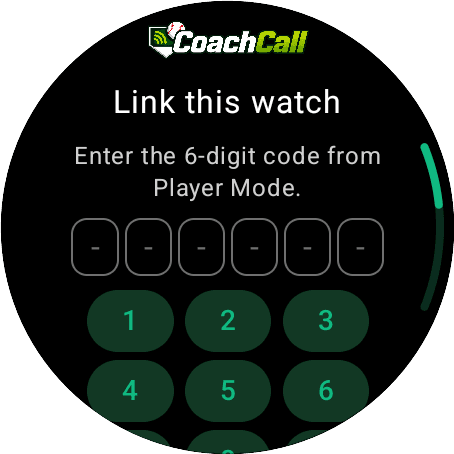
Open CoachCall on the watch and enter the code. The watch is then assigned to the correct player and team.
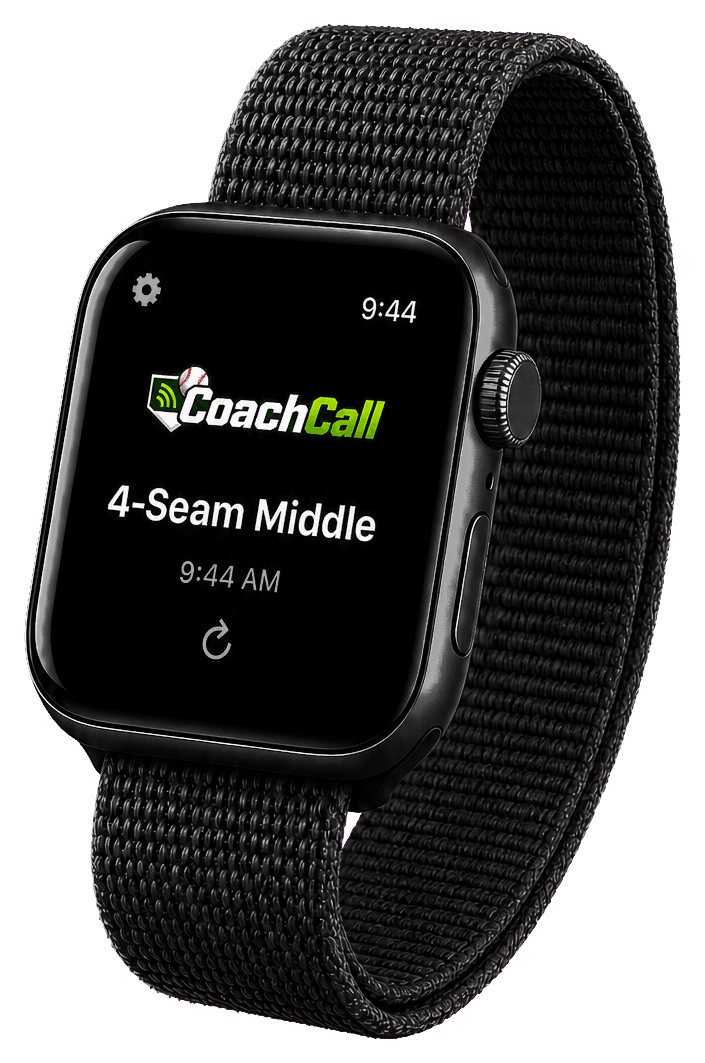
An open watch app receives calls fastest. Keeping Player Mode open on a nearby phone can speed delivery further.
Player Mode setup tips
Player Mode does not have to be on the player's own phone. If the coach is setting up a compatible smart watch paired to the coach's phone, the coach can sign into Player Mode for that player and link the watch from there.
Each Player Mode account needs its own email address. If you are setting up watches yourself, you can use a real player email, a parent email, or an email alias that forwards to you. Gmail aliases and Apple Hide My Email are common ways to create unique addresses while still receiving messages in one inbox.
After the watch is linked, Player Mode does not have to stay open for the watch to receive calls. Keeping Player Mode open on a phone near the player speeds up delivery and can improve range and reliability, especially when the phone has clear line of sight.
What to expect
Player Mode creates the short code used to link an Apple Watch or Wear OS watch. Once linked, the watch knows which player and team to follow.
The fastest watch updates come when the watch app is open. Keeping Player Mode open on a nearby phone can speed delivery further. Notifications can still help when the app is not open, but they may be delayed.
LTE-capable watches are the strongest option when distance is a concern. Non-LTE watches depend more on the paired phone and field conditions.
Field reality
Dugouts, bodies, fences, equipment, and phone placement can all affect delivery. Test the watch at the field, not just at home.