
Download free
CoachCall Free
- Pitch calling, pitcher setup, and pitch count on the coach’s phone
- Audio to Bluetooth gear paired with the coach’s phone
- Hold to talk and send short voice messages
Baseball communication, without the noise.
Send the next pitch from your phone to the field on a watch or through one-way audio.
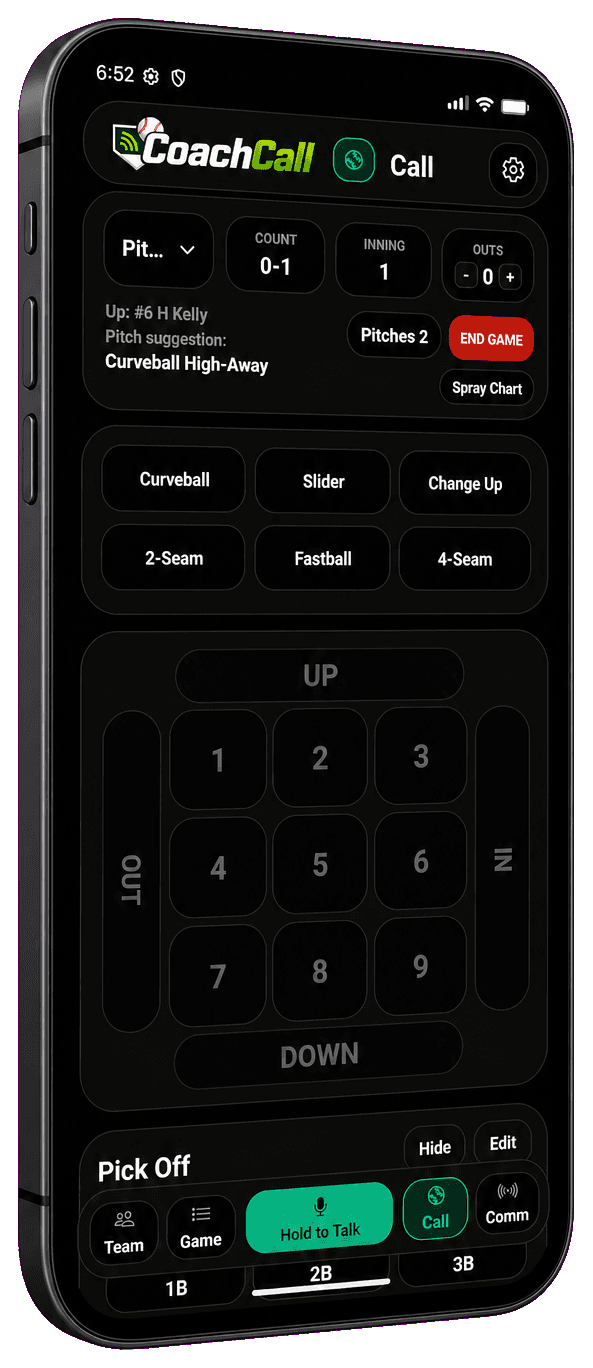
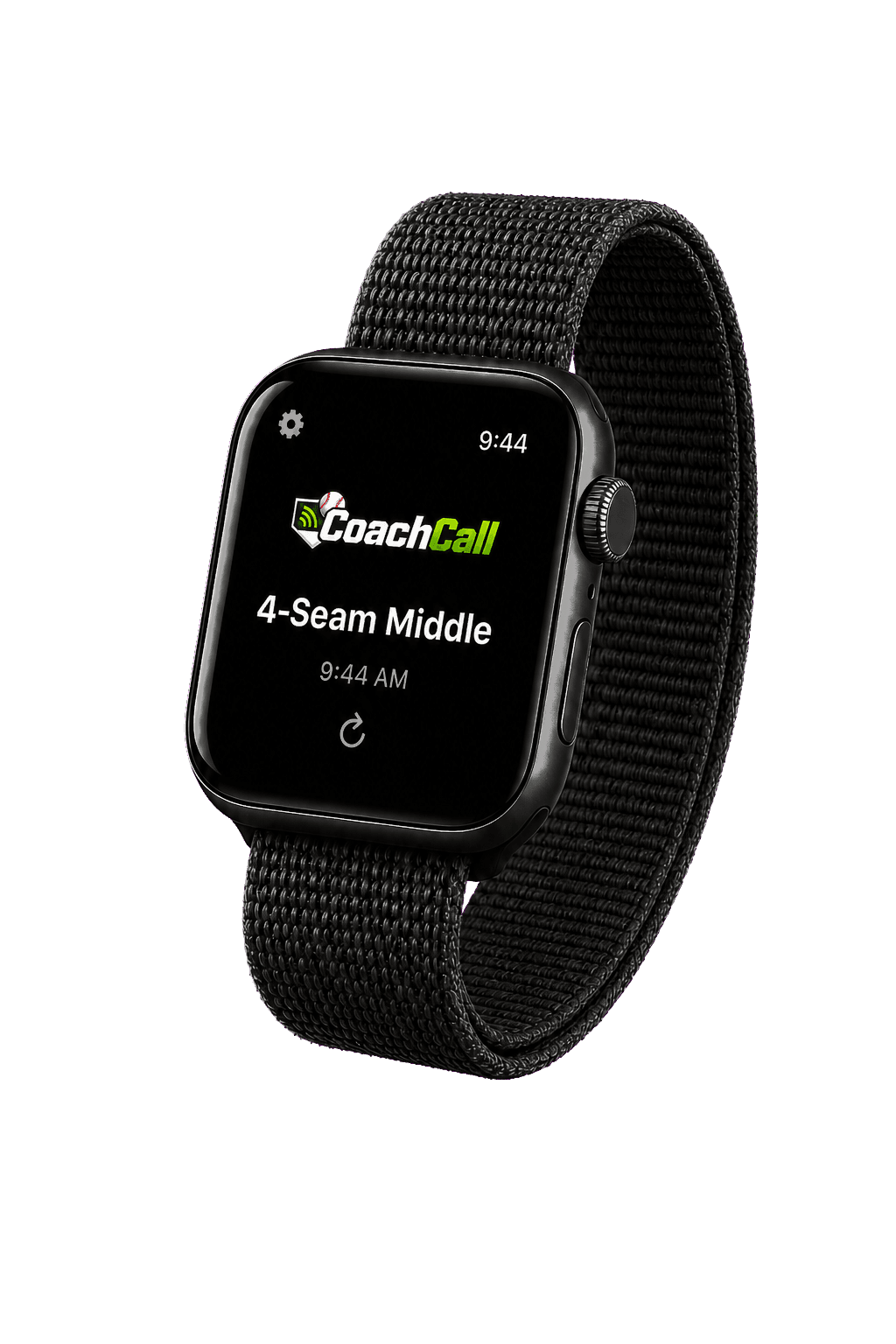
01 Choose pitch + location
02 Deliver it instantly
03 Review the game
Free and Pro
Start with pitch calling and Bluetooth audio from the coach’s phone. Pro adds more range flexibility through connected Player Mode phones, watch delivery, faster live communication, and tools for tracking and learning from the game.
Download free
Add more when you need it
CoachCall Pro is $14.99 monthly or $119.99 yearly.
Eligible new subscribers can try Pro free for one month with either plan. Your app store confirms eligibility and the final localized price before purchase.

Inside CoachCall
Pitch calling
Choose the pitch and location from one fast screen built for the pace of a live at-bat.
01 / 07
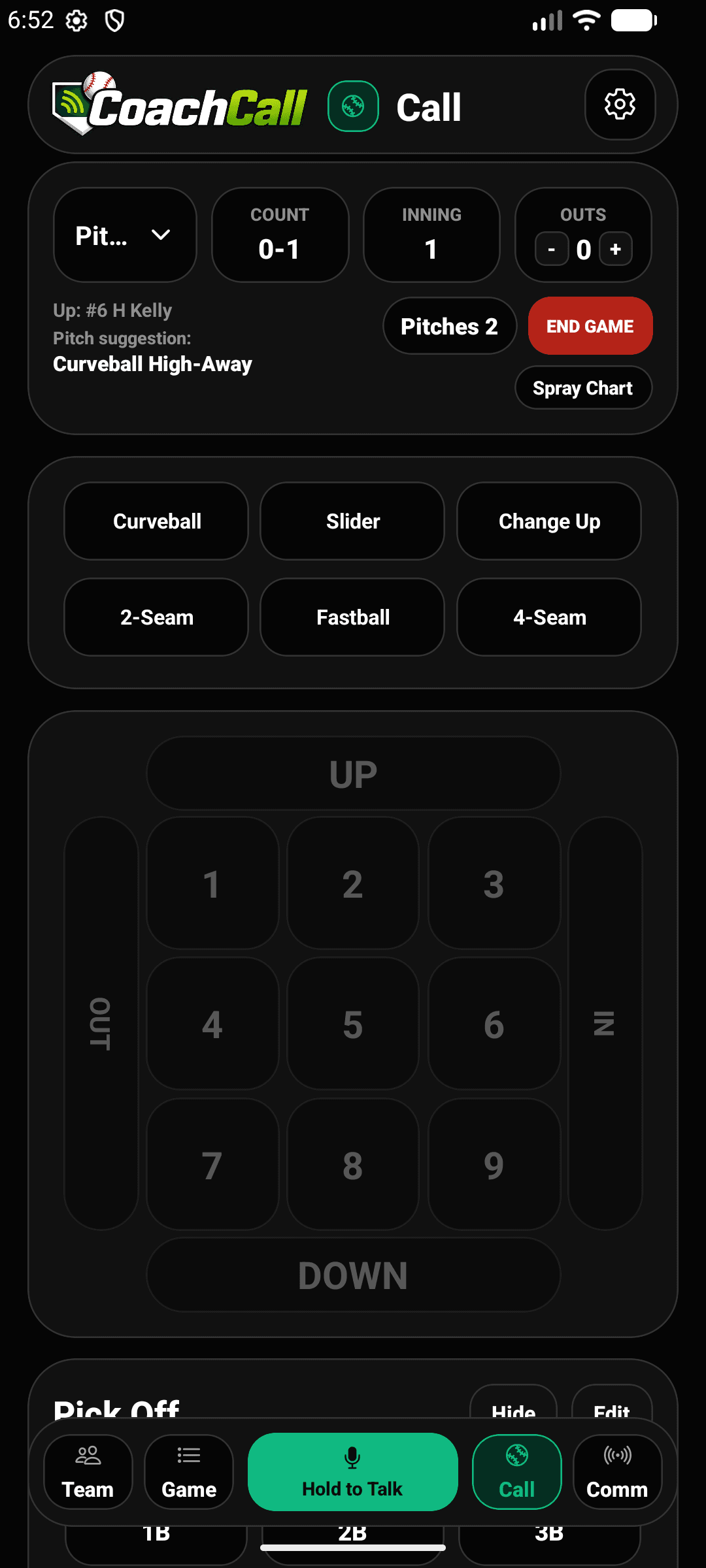
Real app screen
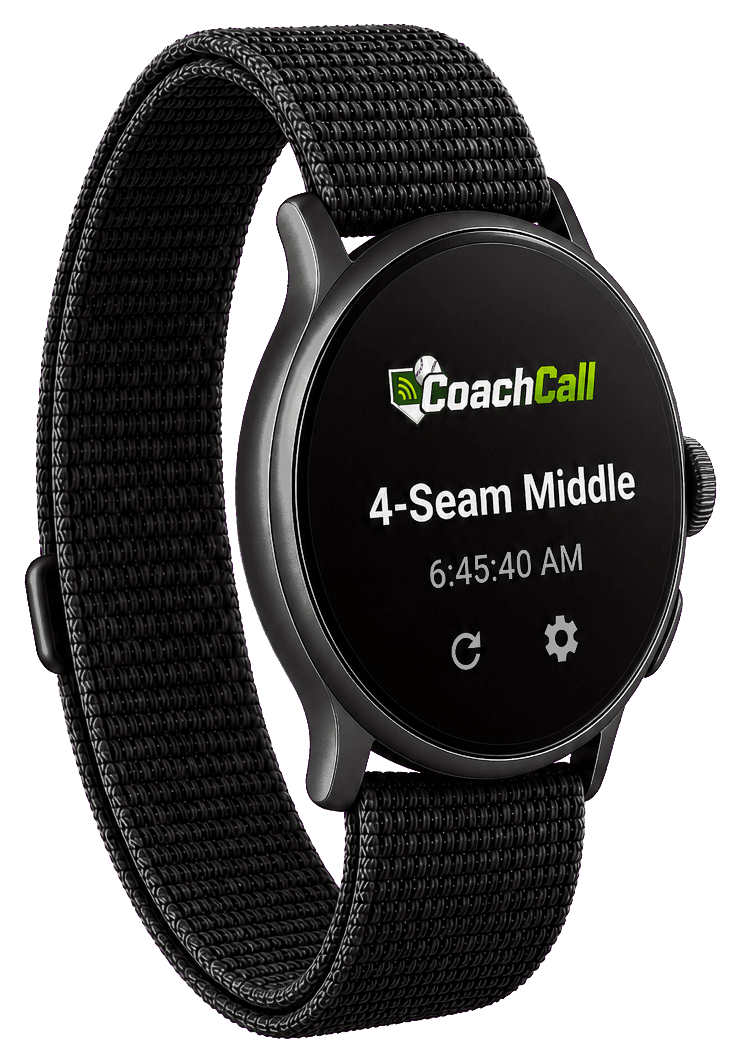
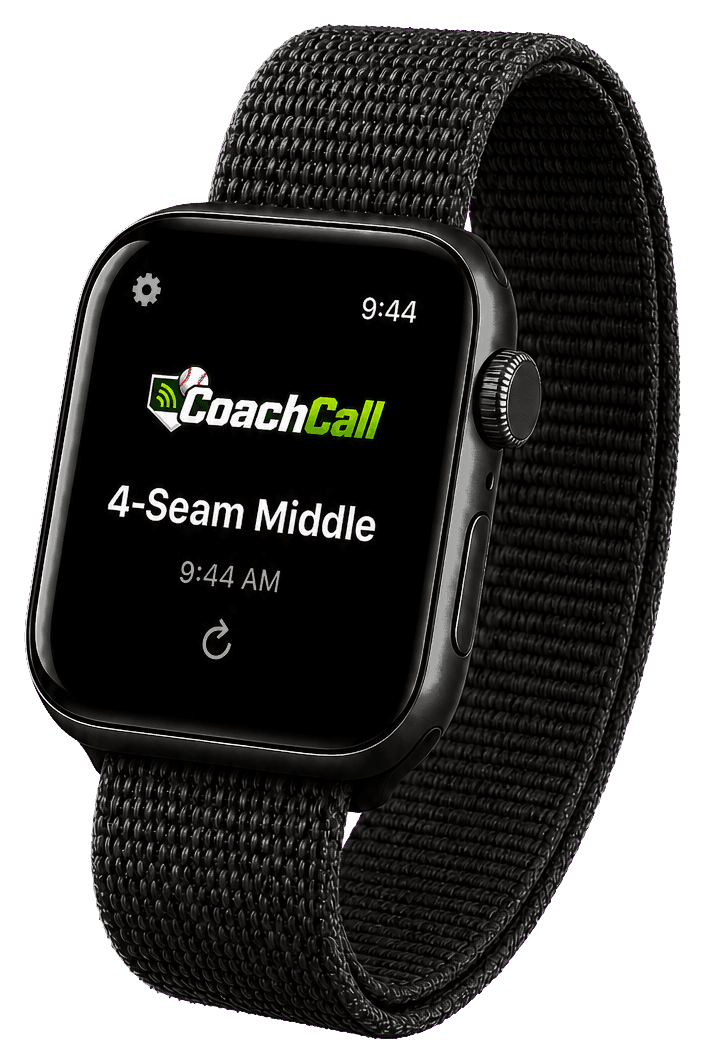
Connected delivery
On the field
A clear call on Apple Watch, Wear OS, or a Bluetooth earpiece.
Phone → Bluetooth receiver → wired earpiece. No reply mic required.
See receiving optionsAvailable on iPhone and Android
Start free. Add connected game-day tools when your team needs them.
U.S. Pro pricing
Eligible new subscribers get the first month free with either plan.
Your app store confirms eligibility and the final localized price before purchase.
Electronic communication rules vary by league and level. Confirm what your governing body allows before game use.
See compatible setups →